
Have you ever sent an important email and found yourself wondering whether it actually reached the recipient?
Whether you’re sharing a contract, sending an invoice, submitting an assignment, or delivering an important project update, it’s natural to want confirmation that your email was received. That’s where the phrase “please confirm receipt of this email” comes in.
It’s one of the most common requests in professional communication because it’s clear, polite, and helps prevent misunderstandings. However, while the phrase is perfectly acceptable, it can sometimes sound overly formal or impersonal—especially in today’s workplaces, where friendly and approachable communication is often appreciated.
Fortunately, there are many ways to ask for confirmation without sounding stiff or robotic.
In this guide, you’ll learn exactly what “please confirm receipt of this email” means, when you should use it, and 28 professional alternatives that sound more natural. You’ll also find practical examples, email etiquette tips, frequently asked questions, and advice on choosing the right wording for every situation.
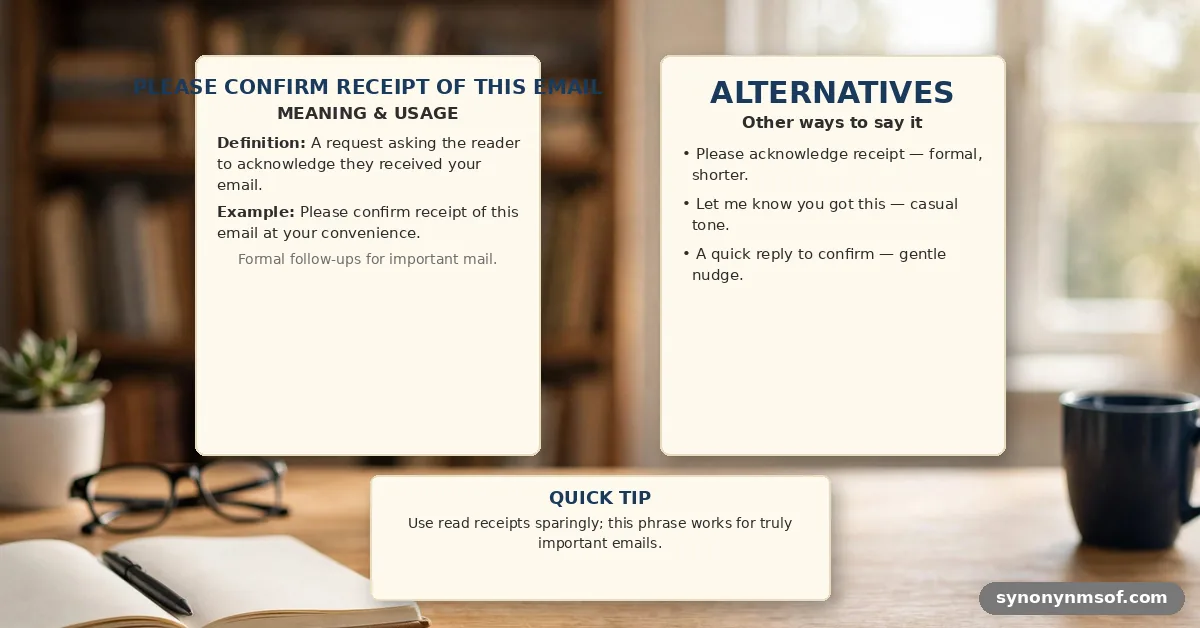
What Does “Please Confirm Receipt of This Email” Mean?
In simple words, “please confirm receipt of this email” means:
“Please let me know that you’ve received my email.”
You’re not asking the recipient to read, review, or respond to the content immediately. You’re simply requesting confirmation that your message has arrived safely.
People commonly use this phrase when sending:
- Important documents
- Contracts
- Invoices
- Project files
- Legal paperwork
- Sensitive information
- Job-related documents
- Academic submissions
Its purpose is to remove uncertainty and ensure the message wasn’t lost or overlooked.
See Also: 28 Ways to Say “I Look Forward to Speaking With You”
Is “Please Confirm Receipt of This Email” Professional?
Yes—it is.
The phrase is widely accepted in professional settings, including:
- Corporate workplaces
- Government offices
- Law firms
- Healthcare organizations
- Educational institutions
- Client communications
- International business
Although it’s professional, it may feel a little formal in everyday conversations with coworkers or long-term clients. In those situations, a warmer alternative often creates a better impression.
28 Other Ways to Say “Please Confirm Receipt of This Email”
1. Please Let Me Know You Received This Email
Tone: Professional, friendly
Usage:
“Please let me know you received this email and the attached documents.”
2. Kindly Confirm Receipt
Tone: Formal and respectful
Usage:
“Kindly confirm receipt of the signed agreement.”
3. Please Acknowledge Receipt
Tone: Professional
Usage:
“Please acknowledge receipt of the attached invoice.”
4. Just Checking That This Came Through
Tone: Casual, friendly
Usage:
“Just checking that this came through without any issues.”
5. Let Me Know Once You’ve Received It
Tone: Warm and conversational
Usage:
“Let me know once you’ve received the files.”
6. Can You Confirm You Got This?
Tone: Direct and informal
Usage:
“Can you confirm you got this before tomorrow’s meeting?”
7. Please Confirm You Received the Attachment
Tone: Professional
Usage:
“Please confirm you received the attached proposal.”
8. I’d Appreciate Confirmation of Receipt
Tone: Polite and courteous
Usage:
“I’d appreciate confirmation of receipt at your earliest convenience.”
9. Please Reply to Confirm Receipt
Tone: Clear and professional
Usage:
“Please reply to confirm receipt of this email.”
10. Please Let Me Know It Arrived Safely
Tone: Friendly
Usage:
“Please let me know it arrived safely.”
See Also: God Bless You: Meaning, 28 Heartfelt Alternatives, and Better Ways to Say It
11. Could You Acknowledge Receipt?
Tone: Respectful
Usage:
“Could you acknowledge receipt when you have a moment?”
12. Just Wanted to Make Sure This Reached You
Tone: Warm and natural
Usage:
“Just wanted to make sure this reached you.”
13. Please Advise Once Received
Tone: Formal
Usage:
“Please advise once received.”
14. Let Me Know If You Receive This
Tone: Casual
Usage:
“Let me know if you receive this without any issues.”
15. Could You Let Me Know When It Arrives?
Tone: Friendly
Usage:
“Could you let me know when it arrives?”
16. Please Confirm Safe Receipt
Tone: Formal
Usage:
“Please confirm safe receipt of the attached documents.”
17. Looking Forward to Your Confirmation
Tone: Polished
Usage:
“Looking forward to your confirmation.”
18. Please Send a Quick Confirmation
Tone: Friendly
Usage:
“Please send a quick confirmation once you’ve received everything.”
19. Could You Verify Receipt?
Tone: Professional
Usage:
“Could you verify receipt of this message?”
20. Just Let Me Know It Came Through
Tone: Relaxed
Usage:
“Just let me know it came through okay.”
21. Please Confirm Everything Was Received
Tone: Professional
Usage:
“Please confirm everything was received successfully.”
22. Please Let Me Know Once It Reaches You
Tone: Warm
Usage:
“Please let me know once it reaches you.”
23. Can You Acknowledge This Email?
Tone: Professional
Usage:
“Can you acknowledge this email when convenient?”
24. Kindly Let Me Know You Received It
Tone: Polite
Usage:
“Kindly let me know you received it.”
25. I’d Like to Confirm You Received This
Tone: Courteous
Usage:
“I’d like to confirm you received this message.”
26. Please Drop Me a Quick Reply Once Received
Tone: Friendly
Usage:
“Please drop me a quick reply once received.”
27. Let Me Know That Everything Came Through
Tone: Conversational
Usage:
“Let me know that everything came through successfully.”
28. Please Confirm This Email Has Reached You
Tone: Formal
Usage:
“Please confirm this email has reached you.”
Must Read: Please Let Me Know If You Need Anything Else: 28 Alternatives
When Should You Use This Phrase?
Request confirmation when you’re sending:
- Legal documents
- Contracts
- Invoices
- Confidential information
- Project deliverables
- Important reports
- Time-sensitive updates
- Job applications
- Academic assignments
In these situations, confirming receipt helps prevent delays and misunderstandings.
When Should You Avoid It?
You don’t need to ask for confirmation in every email.
Avoid using it when:
- Sending casual updates
- Chatting with close coworkers
- Sharing non-urgent information
- Following up on routine conversations
Overusing confirmation requests can make your emails feel unnecessarily formal.
Tips for Writing Better Confirmation Requests
To sound professional without being overly formal:
- Keep your request short.
- Match your tone to the recipient.
- Only ask for confirmation when it’s necessary.
- Use friendly language whenever appropriate.
- Be respectful of the recipient’s time.
For example:
❌ Please confirm receipt of this email immediately.
✅ When you have a moment, please let me know you received this.
The second version feels more polite while achieving the same goal.
Example Email
Subject: Project Files for Review
Hi Sarah,
I hope you’re doing well.
I’ve attached the final version of the project documents along with the revised presentation.
When you have a chance, please let me know you received everything successfully.
If you have any questions, I’d be happy to help.
Best regards,
James
Why Tone Matters
Professional communication isn’t just about sharing information—it’s also about building relationships.
Small wording changes can make your emails sound:
- More approachable
- More respectful
- More collaborative
- More confident
- More human
People are often more willing to respond when a message feels friendly rather than demanding.
Frequently Asked Questions
1. Is “please confirm receipt of this email” professional?
Yes. It’s a standard phrase used in business, legal, and professional communication.
2. What does “please confirm receipt of this email” mean?
It means you’re asking someone to let you know they’ve successfully received your email.
3. Is the phrase too formal?
Not necessarily. It’s appropriate for formal situations, but warmer alternatives work better in everyday workplace communication.
4. What’s a more natural alternative?
“Please let me know you received this email.”
5. Can I use it in client emails?
Absolutely. It’s especially useful when sending contracts, proposals, invoices, or deliverables.
6. Should I use it with coworkers?
Yes, but a friendlier version like “Just checking this came through” often sounds more natural.
7. Is “kindly confirm receipt” polite?
Yes. It’s polite, formal, and commonly used in international business communication.
8. Should every email ask for confirmation?
No. Only request confirmation when it’s genuinely necessary.
9. What’s the difference between confirming receipt and replying?
Confirming receipt simply acknowledges that the email arrived. A reply usually addresses the content of the message.
10. Why do people avoid the original phrase?
Some people feel it sounds stiff or overly formal, especially in modern workplaces where conversational communication is encouraged.
11. What’s the friendliest alternative?
“Just wanted to make sure this reached you.”
12. What’s the most formal alternative?
“Kindly confirm receipt.” It’s ideal for legal, government, or official business correspondence.
Conclusion
The phrase “please confirm receipt of this email” remains a professional and reliable way to request acknowledgment that your message has been received. It’s especially useful when you’re sending important documents, contracts, invoices, or other time-sensitive information.
However, effective communication is about more than accuracy—it’s also about tone. Choosing a warmer alternative like “Please let me know you received this email” or “Just wanted to make sure this reached you” can make your message feel more approachable while maintaining professionalism.
By matching your wording to your audience and the situation, you’ll create emails that are clear, polite, and more likely to receive a prompt response.